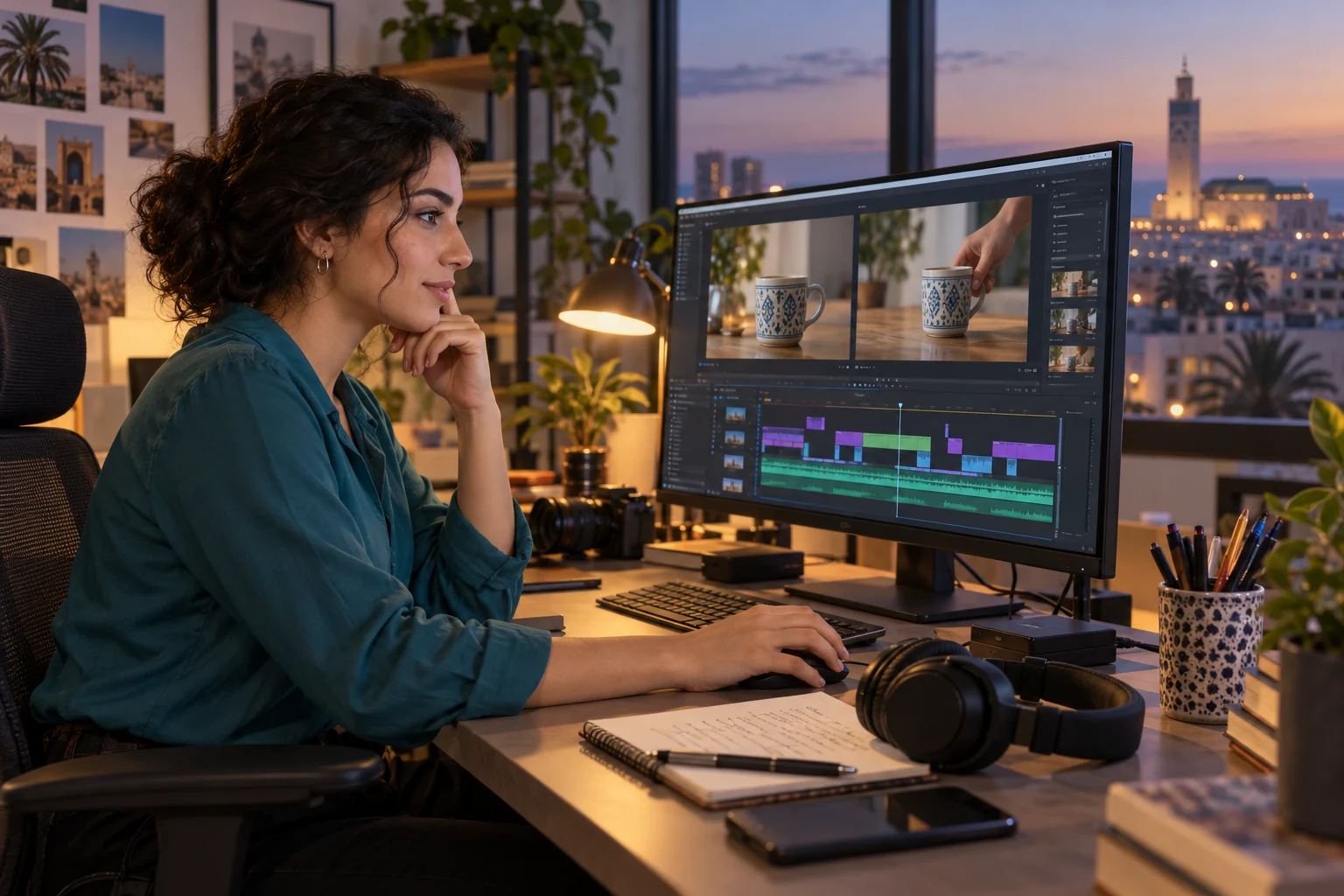
A beautiful video can make people want to watch your work. However, to apply for a video editor job in Morocco, it benefits from showing something other than a succession of effects: an understandable intention and decisions you can explain. Why does this shot come here? What does the viewer understand without sound? What change would you make if the message had to fit into a shorter format? A modest demonstration, accompanied by precise answers, allows this discussion to begin.
A beginner candidate does not need to invent a brand commission or a professional shoot. They can build a personal exercise with their own footage, identify what they did and present the limits of the result. The goal is to make their editing reasoning visible. This guide offers a method around a fictional example: a short video showing a ceramic cup. The choices described are approaches to try, not universal recruitment criteria.
What your demonstration should make understandable
Start with the position you are responding to. A job posting focused on product videos, filmed interviews or educational content does not require exactly the same demonstration. Identify the nature of the footage to be edited and the deliverables mentioned, then choose an exercise that brings your work closer to that situation. If the posting remains vague, ask a question about the usual productions before spending hours on a presentation reel.
Editing is not limited to the software used. The OFPPT video editing training notably covers organizing rushes and selecting shots. Its presentation of audiovisual language links image, sound and storytelling. These reference points help distinguish operating a tool from building a message; they are not a list of requirements valid for all employers.
Then choose a question your video answers. In our fictional exercise, it is about making the shape and use of a cup easy to understand. A very tight shot on the decoration can be appealing while making the object difficult to identify. A wider view offers different information. Your ability to explain this trade-off matters more, in the demonstration, than accumulating spectacular transitions.
A short brief before touching the timeline
Write a brief of a few lines: what object or situation is shown, who is the video for and what information should remain in memory? For the cup, you could imagine a presentation intended for a fictional catalog, without a shop name and without a commercial promise. The viewer must recognize the object, see its handle and understand how it is held. You do not attribute to it any specific material or manufacturing quality that your footage does not allow you to know.
Set an indicative duration, for example twenty seconds for the first version. This choice serves to work on selection; it does not come from a supposed social media rule. Also note the constraints of your exercise: available light, no recorded voice, footage shot with a phone, a room whose noise cannot be completely removed. You will be able to explain what you adapted to these constraints instead of passing off every flaw as an artistic choice.
The brief must remain simple enough to be tested. "Make a dynamic video" does not allow deciding whether a shot is useful. "Show the whole object before revealing its decoration" gives an observable direction. At the end of the edit, watch the video with the brief in front of you: does what was promised actually appear? If you change direction, update the brief and keep a short explanation of that evolution.
Organize the footage so you can choose
Before editing, separate the original takes from the exported files. Give the folders names you still understand a week later, then identify the usable shots. For our imaginary cup, a full view, a detail of the decoration, a hand grasping the handle and a stable final shot are enough to build several attempts. Ten nearly identical takes do not give ten different pieces of information. You must decide which one best serves the sequence.
Look at the beginnings and ends of the takes, not only their most successful part. A hand that enters the frame too early, a change in exposure or a movement that stops abruptly can limit the cut. Note what each image brings and what prevents using it. This preparation reduces random attempts in the timeline and makes your choices easier to comment on in front of someone discovering the rushes.
Keep a copy of the sources and the project according to the means available to you. An application folder does not need to deliver all the rushes to the recruiter, but you must be able to reopen your work and find the elements used. Check the linked media before the presentation. A project that opens with missing files diverts the conversation from your editing to an avoidable organizational problem.
Make two different edits tell the same thing
Here is a comparison you can actually prepare from personal footage. The first version begins with the decorative detail, moves to the hand, then reveals the whole cup. It creates a progressive discovery, but delays identification of the object. The second first shows the whole cup, then the gesture and finally the detail. It prioritizes immediate understanding. Neither of these versions is superior in absolute terms: their interest depends on the announced message.
To compare them, keep the other choices fairly close. If you simultaneously change the music, color, speed and all the shots, you will no longer be able to explain what changed the viewer's impression. First try a different order, then compare the duration of the shots. The contrast between the versions becomes material for discussion: you can show a precise change and say what problem it seeks to solve.
Continuity also requires looking at gestures. Cutting in the middle of a grasp can give energy, but an incompatible position in the next shot can distract. Conversely, systematically waiting for the end of each action can weigh down a short sequence. Make several attempts and watch them at normal speed. The goal is not to recite a continuity rule, but to identify what your cut does to the reading of the movement.
Avoid presenting a personal opinion as a measured result. You can say that the second version seems clearer to you because the object is identified from the beginning. You cannot announce that it increases sales or retains all viewers better without appropriate data. This distinction protects the quality of your argument: you defend an observable choice, without attributing an imaginary commercial effect to it.
Sound can help the edit, or mask its weaknesses
First listen to the sequence without music. In an exercise around an object, the contact with the table or the sound of the gesture can support understanding. It can also become annoying if a take has a hiss or a thump very different from the others. Identify these gaps before adding an atmosphere. Music present everywhere does not automatically erase a sound break; it can simply make it less obvious during your own listening.
If you use a voice, prioritize its intelligibility. Check whether the music covers certain words and listen to the result on a second available device. You are looking for perceptible problems, not a universal technical guarantee. For an exercise without speech, a silent edit can be a coherent choice, provided you own it. Adding a track to look more professional does not help if it gives an emotion contrary to the message.
Specify the provenance of what you use. Music found online is not automatically available for all uses. Choose an element whose conditions you understand, keep the reference and respect the necessary attributions. If you cannot establish this use, replace it in the shared version. For an application, your reasoning can be shown with a simple sequence whose elements you control.
Adapt the framing without losing information
Prepare a framing variant if it corresponds to the targeted position. Moving from a horizontal frame to a vertical frame does not always consist of reframing the center of each shot. In the cup example, the handle can disappear even though the brief specifically asked to show it. Text placed in a corner can go out of the image. Look at each shot in its new composition rather than relying solely on the subject's presence in the center.
You can keep the initial duration or produce a shorter version, but explain what you remove. If the decorative detail repeats information already legible, removing it can be relevant. If you remove the only view that shows the whole object, the message may change. Presenting an adaptation allows your ability to prioritize information to be seen; two exports identical except for a simple reframing do not necessarily show this work.
Subtitles, when they are useful, must be proofread as a text intended for the audience. In Morocco, a project may require French, Arabic or another language depending on its audience; this must come from the real brief, not from an assumption about all recruiters. Check the meaning, names and line breaks. A translation that is correct on paper can remain difficult to read if it disappears too quickly or covers the important action.
Present the files and your role without ambiguity
Give each export a readable name and indicate which version should be watched first. Your final file must be readable with the means chosen for the application. Open the link from a window where you are not logged into your account, check the permissions and watch the video to the end. If you have chosen limited access, state it clearly. A link that requests unexpected authorization can prevent your demonstration from being reviewed.
Accompany the link with a short note: personal exercise, footage shot by you or provenance specified, editing work performed, any elements made by another person. Do not turn collective work into an entirely personal production. If you only edited a sequence, this contribution can already be interesting. It becomes more credible when it is known where your responsibility begins and what falls under shooting, graphics or sound recording.
You can attach this piece to a portfolio that shows your skills, but keep a targeted presentation for this application. In the CV, a precise line about the project and your role is worth more than a long list of tools without an example. The Jawb guide for writing a CV in Morocco helps organize this information without letting the demonstration replace the essential elements of the background.
In an interview, comment on a decision rather than the whole video
Prepare a passage you can explain simply. Play the main version, let it finish, then return to an important cut. Describe the intention, show what you changed and explain the visible consequence. In the fictional exercise, you could compare the moment when the full view of the cup appears. The conversation then focuses on a concrete choice, instead of a general statement about your creativity or sense of rhythm.
Expect a request for modification: remove a shot, make a sentence more readable, change the priority of the message. Start by understanding the reason for the request. If the handle should be shown earlier, there may be a solution in the choice of shots, without adding an effect. Explain what you can modify immediately and what would require new footage. This distinction shows that you know how to work with production constraints.
For a test proposed by an employer, ask for the scope, the elements provided and the expected deliverable before starting. It is useful to know whether the exercise must remain a demonstration or serve for real distribution, and how your work will be used. Do not make assumptions on these points. The advice for preparing a job interview can help you formulate your questions and present your approach calmly.
The final review is done from the viewer's side
Before sending your application, watch the final export without the timeline. Look for an unintentional black screen, an overly abrupt ending, truncated text or a perceptible lag between gesture and sound. Then do a viewing without sound: does the main message remain accessible in the situation your brief provides for? This check does not replace the sound work; it reveals what the images carry alone and what depends on listening.
Keep your comparison notes, even if you do not send them all. They will allow you to answer a question about an abandoned version or a choice you would like to improve. A flaw acknowledged with a precise correction proposal can open a useful discussion. An automatic justification of all details, on the contrary, prevents distinguishing thoughtful decisions from constraints you have simply endured.
Your demonstration is ready when it is understood what it seeks to show, what you did and why you did it that way. It does not need to imitate an expensive advertisement to be instructive. An ordinary object, a few well-chosen images and two comparable versions can provide material for a professional exchange. For a video editing candidate, this ability to make decisions legible is a skill to show as much as the final result.